Fabrication applications

A common setuplanguage acrossthe shop

Use steel and nitrided steel 3D platforms for manual assembly, custom jigs and repeatable production fixtures.

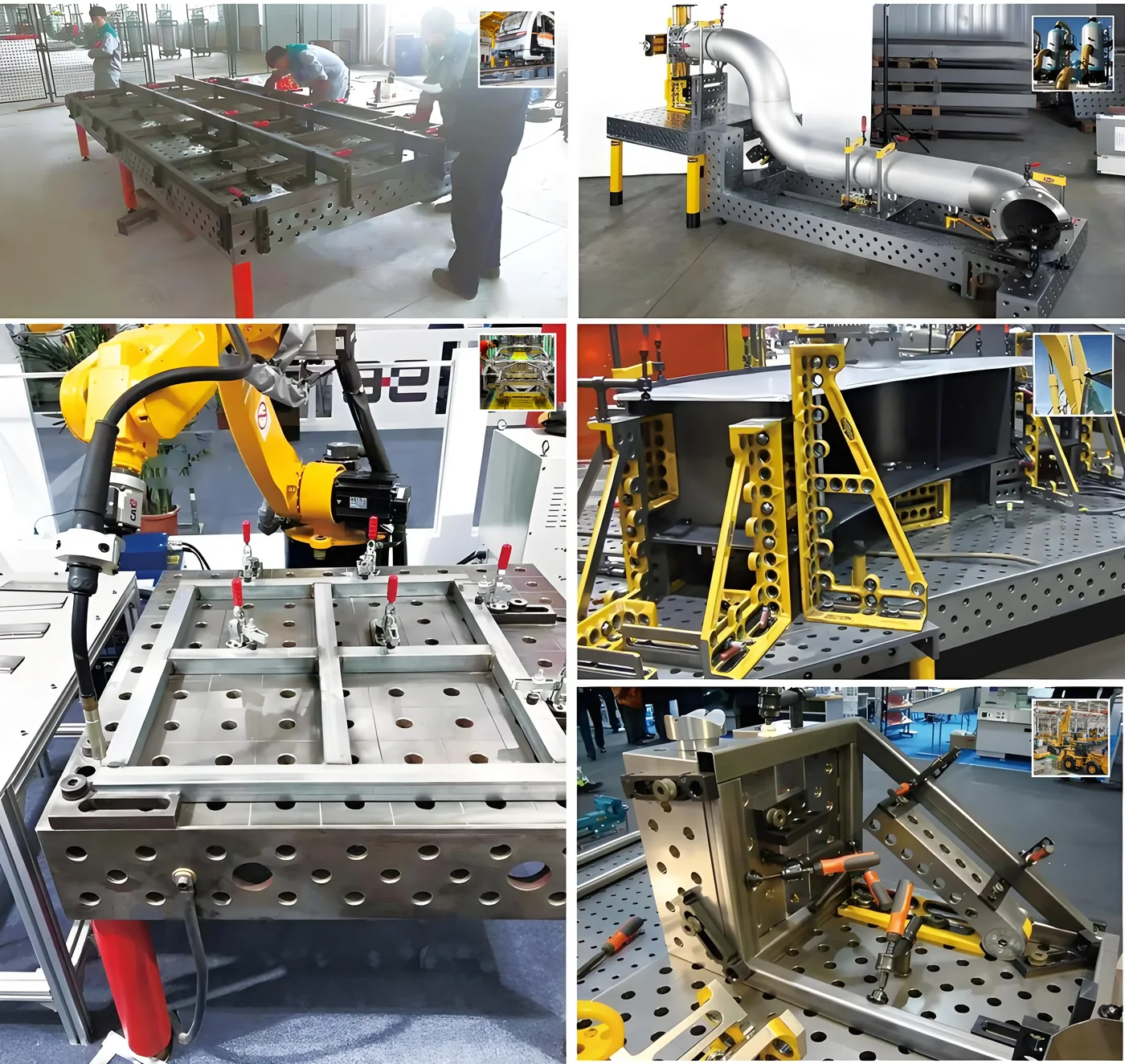
Manual and robotic welding fixtures built on modular 3D welding platforms

Structural fabrication

Square and locate frames, bases and welded structures with open access to joints.

Explore D28 systems

Pipe and vessel work

Support curved parts and pipe assemblies using adaptable locating elements.

Review fixture options

Robotic welding

Create repeatable workholding around a known datum for automated cells.

Explore D22 systems

Prototype and short run

Reconfigure the same platform when part geometry changes between jobs.

Explore D16 systems

Hole system by application

Match the grid to the kind of work

01

Small parts and jigs

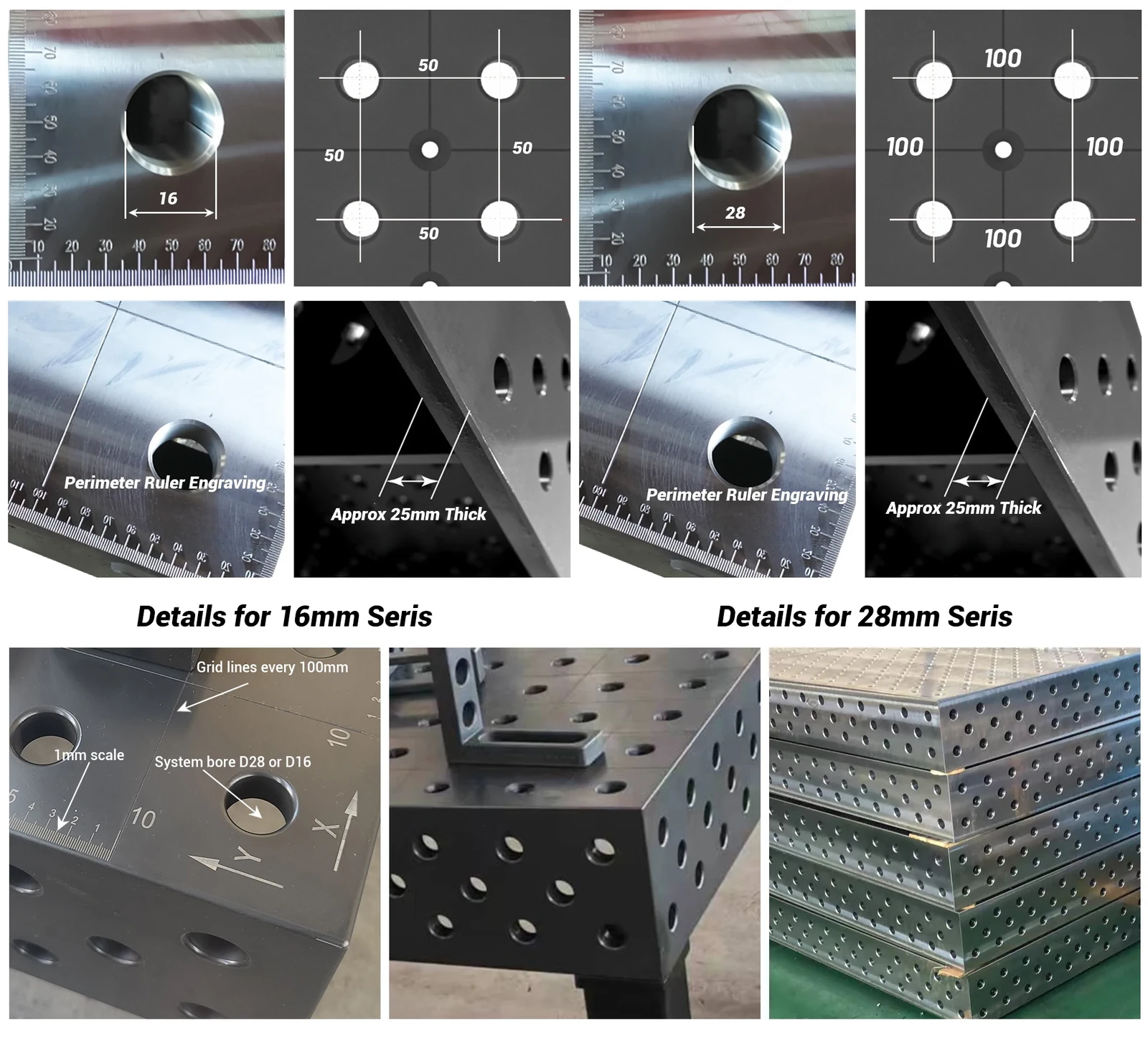
D16 gives a fine grid, so stops and clamps can sit close to small geometry. Common for detail work and sub-assemblies.

02

Mixed job sizes

D22 covers medium frames and general fabrication where one table has to handle several product sizes.

03

Heavy structures

D28 takes the larger pins and clamps needed for thick plate, large frames, bases and robotic welding stations.

Application planning

Define the setup before choosing the table

A useful welding-table specification starts with the assembly, not the catalogue size.

01

Map the workpiece envelope

Record the maximum length, width, height and weight, then mark where a crane, robot, torch or operator must reach the joint.

02

Choose repeatable datums

Identify the faces, holes or edges that control the finished assembly. Stops and angle squares should locate those datums without blocking the weld sequence.

03

Plan clamping and heat movement

Estimate the holding force, number of clamps and weld order. Heavy structures normally need the stiffness of D28, while compact jigs benefit from the closer D16 grid.

Buyer guides

Confirm the specification before ordering

Use these practical guides to compare hole systems, surface requirements and the accessories needed for your work.

Robotic and manual welding fixtures built on modular 3D welding platforms
7 min read

Welding fixture tables for robotic cells

In a robotic cell the fixture table does the same job as in manual work — locate and clamp the part — but every error it introduces is reproduced every cycle. Plan it around three things: a datum scheme the programmer can rely on, clamping that stays out of the torch path, and tooling positions that can be returned to exactly at every changeover. A modular 3D table with a known hole grid serves all three; the hole system, table size and flatness grade are then chosen from the workpiece family like any other station.

Read the guide
Close-up comparison of 16 mm and 28 mm welding table hole details
6 min read

D16, D22 or D28: choosing a welding table hole system

Pick the hole system from the workpiece, not from the table. D16 suits small parts, jigs and fine positioning. D22 covers mixed job sizes on one table. D28 is for large frames, thick plate and heavy structures where holding force matters more than a fine grid. If you are unsure, send the workpiece size and weight and the decision takes a few minutes.

Read the guide
Machined 3D welding platform showing the hole grid carried onto the vertical side face
6 min read

2D vs 3D welding tables: when the side faces matter

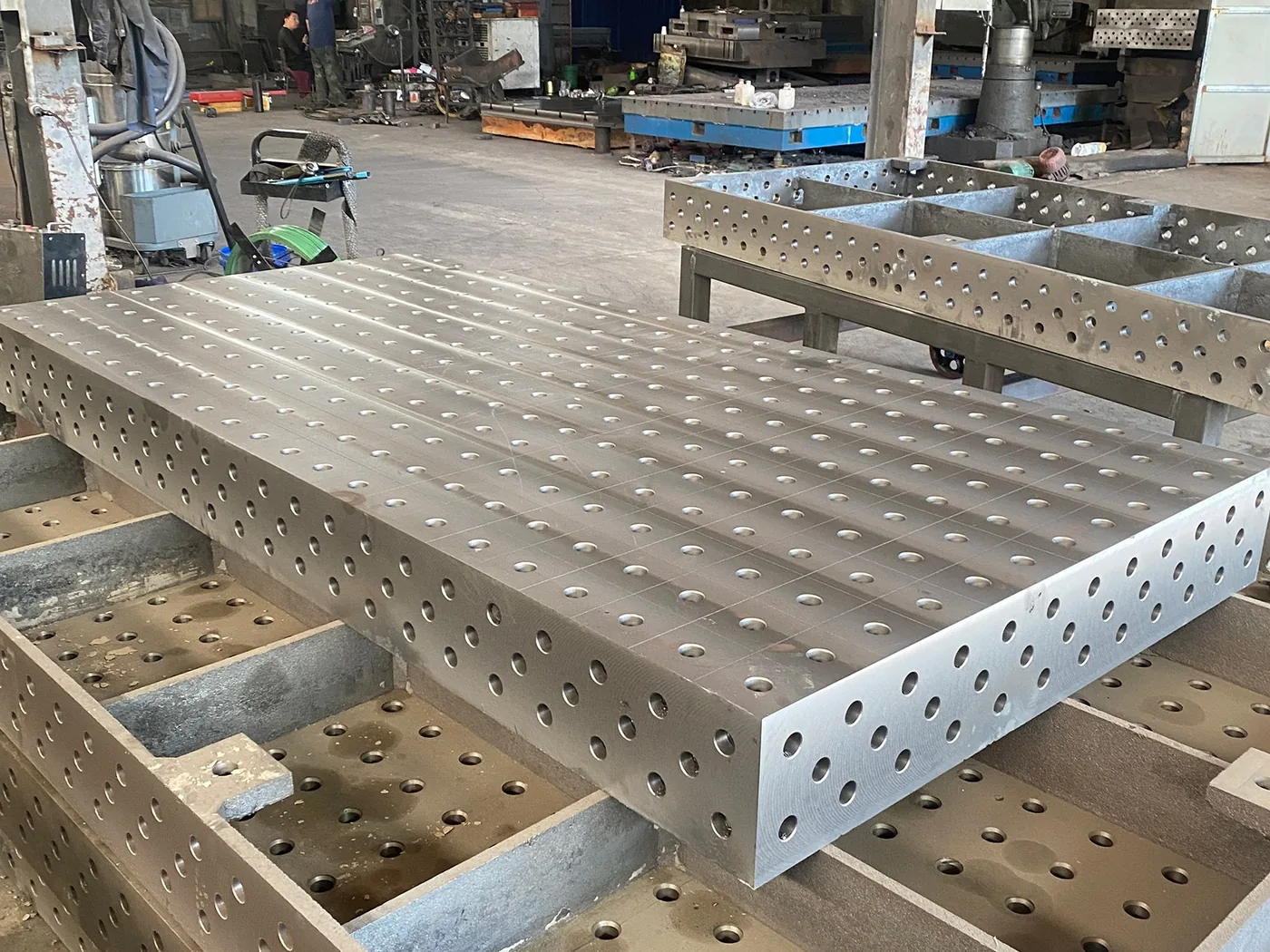
A 2D table gives you one working plane: the top face and its hole grid, so everything is held down onto that surface. A 3D table machines and drills the four side faces as well, so fixtures can also mount at 90° to the tabletop. Choose the side faces when a job needs a vertical reference, side access or a square edge to work against; choose a top-face-only surface when all the work is clamped from above on a flat part.

Read the guide
Read all buyer guides

Have a workpiece in mind?

Turn your next setup into a repeatable system.

Request a quote